Duplicate coordinates

Duplicate coordinates |
| |
|
If the photographer stays long time at the same place there is no need to have the geo tagger working for the complete time span (e.g. 2 weeks). You just take some coordinates in the beginning and then you duplicate this coordinate.
For this duplication the dialog is used.
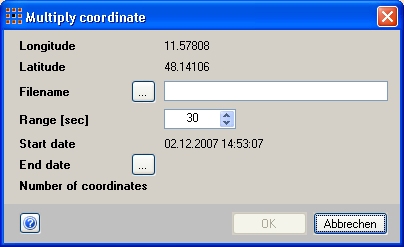
When opening the dialog the coordinate is shown as well as the date and time. For duplication you must enter the following:
 |
Filename
In order to store the new coordinates in a file so that you can use this information later.
|
|
Interval
Coordinates will be generated between start date and end date in the given interval. The amount of coordinates wich will be generated are visible at once.
|
|
End date
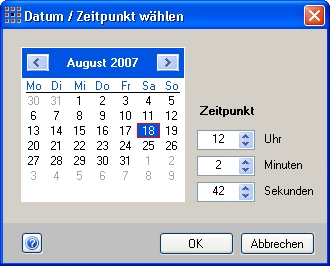
Please chose the date until the coordinates should be generated by using the calendar control.
Dialog to get date and time
|
 |