Track


Track |
|
In the menu you choose View-Show track... and get a dialog in which you can configure this view on the track.
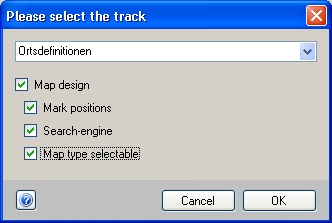
You can choose between normal mode and map mode. For map mode you need an established web connection.
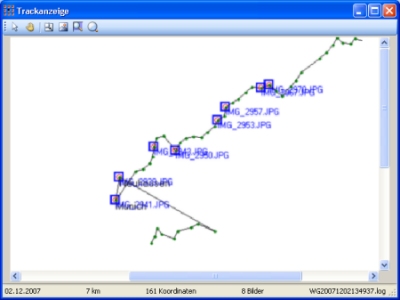
The normal view shows the track in an application window, no options are available, no network connection is needed.
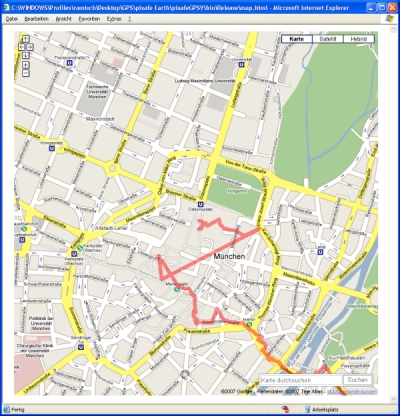
The map mode is shown in the web-browser which starts automatically. Please note that active content must be enabled.
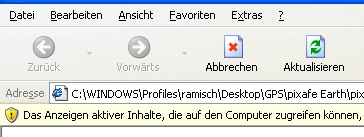
You must accept to show active content, otherwise no map can be shown.
In the map mode the following options are available
 | Mark positions |
| Search function |
| Maptype choosable |
If you select Mark positions then all positions on the track where images have been taken are marked.
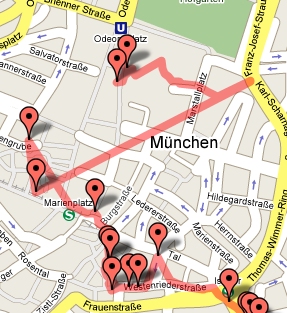
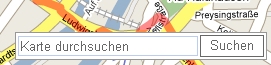
If you select Search function then you can go to arbitrary locations by entrering their names in the textbox
If you select Maptype choosable then you can switch the map mode normal, sattelite, hybrid.

|